Accepting Phone Wallets at the Counter: Setup and Limit Checks Before the Saturday Rush
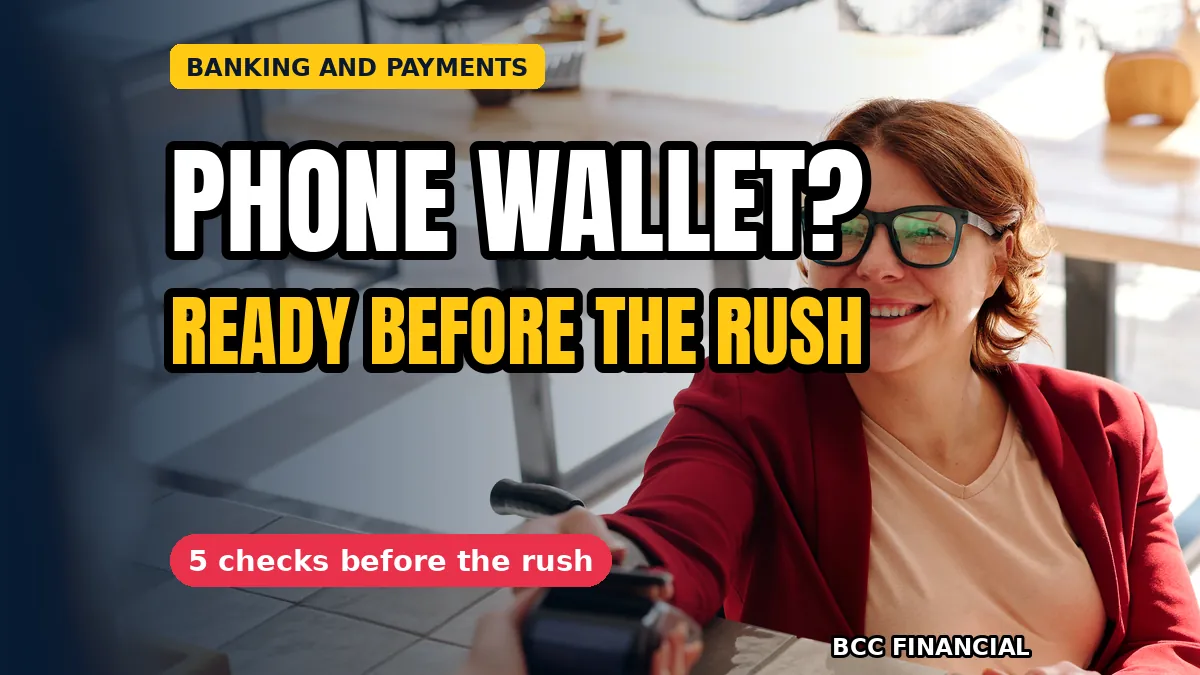
An accept apple pay google pay counter setup checks routine starts before the Saturday rush, not during it. On a quiet morning you confirm the terminal takes phone wallets, the high-value contactless setting is the way you want it, and every person on the till knows what to do when a customer’s phone asks for a fingerprint or a face scan first.
Phone wallets are now an everyday way to pay, and a counter that handles them badly loses a sale twice: once when the payment fails, and again when the customer does not come back. This guide covers those checks, the unlock moment, and the fallback line.
The Accept Apple Pay Google Pay Counter Setup Checks to Make First
Start with the terminal itself, on a morning when the shop is quiet. Hold your own phone to it and make a small test payment, then check the receipt confirms it went through as a wallet payment.
While you are there, look at the terminal’s settings screen and confirm the wallet option is switched on. A terminal can take cards perfectly well while its wallet setting sits switched off.
Confirm the Terminal Really Accepts Phone Wallets
Not every terminal that shows a contactless symbol takes every wallet. Older terminals sometimes take cards by tap but refuse a phone, and some need a software update before wallets work at all. Ask your provider if you are unsure.
Test with more than one phone if you can, because a wallet on one make of phone can behave differently from a wallet on another. One successful test does not prove every customer’s phone will work.
Check the High-Value Contactless Setting Before the Rush
Phone wallet payments often have a higher limit than a tapped card, because the phone itself checks the customer with a fingerprint or a face scan. That is a benefit, but only if the terminal allows it, so check the setting before a large basket. That check belongs in every accept apple pay google pay counter setup checks routine, because a limit set too low turns a large basket into a failed payment.
Decide in advance what happens above that limit. The customer may need a PIN or a second unlock, and staff should know the step before a queue forms.
When the Phone Asks the Customer to Unlock It
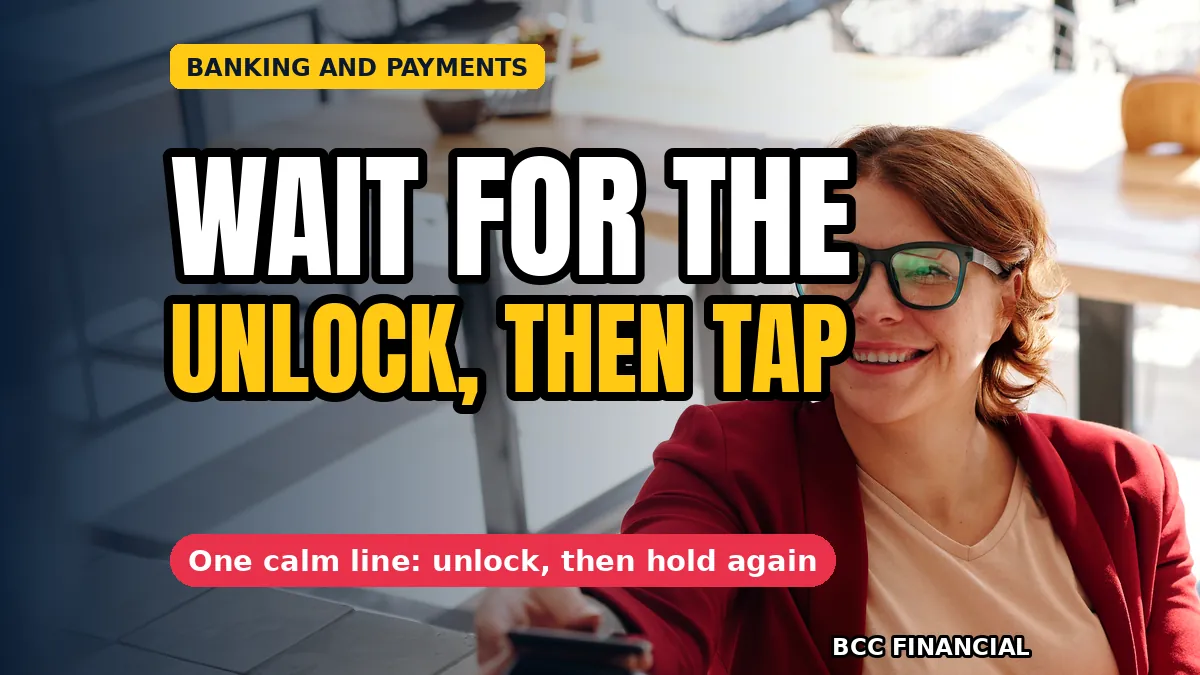
The most common pause at the counter is not a fault at all. The customer’s phone asks for a fingerprint or a face scan, the customer hesitates, and the cashier assumes the payment has failed and tries again. A second attempt while the first is still waiting can confuse the terminal.
Teach staff to wait and to say one calm line: please unlock your phone and hold it to the terminal again. Most customers know the step. Our guide to card payments by phone explains the other side, when the phone is the till itself.
A Calm Fallback Line for a Declined Wallet Payment
Every wallet payment can be declined, even when the customer has money, so every accept apple pay google pay counter setup checks routine needs a fallback line the whole team knows. The phone may have no signal, the card inside the wallet may have expired, or the bank may have blocked the payment.
Agree the fallback line in advance so nobody invents one under pressure: that has not gone through, would you like to try another card or pay by card instead? A declined wallet payment is a small moment, and a calm line keeps it small. Our notes on a card declined at the till cover the same moment for card payments.
Train Every Till Worker, Not Just the Manager
The Saturday rush is worked by everyone on the rota, not only the person who set the terminal up. Show each till worker the check, the unlock pause and the fallback line, and let them practise on a quiet morning.
An accept apple pay google pay counter setup checks list on the till card means a cover worker finds the steps in the same place. A routine that lives only in the manager’s head fails on the first Saturday the manager is off sick.
A Weekly Wallet Check That Takes Five Minutes
Terminals update themselves, settings change, and a wallet option that worked last month can quietly stop working. Put a five-minute wallet check into the weekly routine: one test payment, a look at the settings screen, and a note of anything that changed.
The SBA’s guidance on managing a small business covers the daily routines that keep a shop running smoothly, and a weekly terminal check fits naturally among them. Five minutes on a Monday morning is cheaper than a Saturday of failed phone payments.
Frequently Asked Questions
Do customers need the shop’s Wi-Fi to pay with a phone wallet?
Usually not, because the phone and the terminal talk to each other directly. If one fails, the problem is more often the phone’s signal or the card inside the wallet.
What should staff do if a phone payment keeps failing?
Ask the customer to unlock the phone and try once more, then move calmly to the fallback: another card, or the same card tapped or inserted. An accept apple pay google pay counter setup checks routine is about the counter being ready, not about forcing one payment method to work.
Is there a limit on phone wallet payments?
It depends on the terminal setting and the customer’s bank, and the limit is often higher than for a tapped card because the phone verifies the customer. An accept apple pay google pay counter setup checks list should record the figure, so staff can warn a customer before a large payment.
What if the terminal accepts cards but not phone wallets?
Check the wallet setting first, then ask your terminal provider whether the terminal needs a software update. Some older terminals need an update, and the provider can usually do it remotely.
A counter is ready because someone checked it on a quiet morning. Confirm the wallet setting, test with a real phone, teach the unlock pause and the fallback line, and repeat the check every week. An accept apple pay google pay counter setup checks routine is five small steps, and the Saturday rush is where they pay off.
If counter payments and till routines are taking time away from serving customers, BCC Financial can help with a steadier setup. Get in touch to talk through your payments.
This article is general information for business owners and is not financial, legal, or tax advice. Payment terminal settings, wallet limits and bank rules vary and can change, so check what applies to you or speak with a qualified professional.