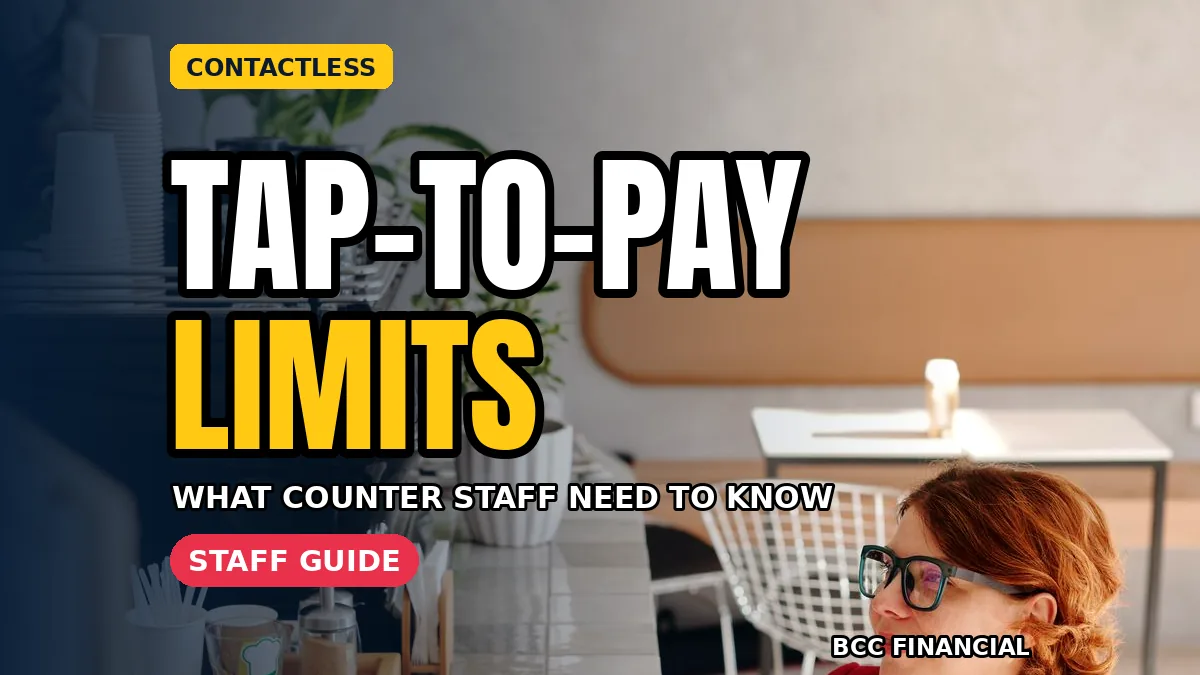
Tap-to-Pay and Contactless Limits: What Counter Staff Need to Know
Understanding contactless payment limits business staff encounter helps your team explain a common moment: a customer taps, and the terminal asks for a PIN or signature instead. That request is not a failure and it is not your staff’s fault. Limits and extra checks vary by card, provider, and country, and this article explains why they happen and gives counter staff a calm script for handling them.
There is no single universal tap limit. A limit on one customer’s card may not apply to another’s, and phone payments can behave differently from physical cards because the device itself verifies the user.
How Contactless Payment Limits Business Terminals Apply Actually Work
When a customer taps, the terminal, the card, and the card provider run quick checks. For smaller purchases, the tap alone may be enough. Above an amount set by the card issuer or local rules, the terminal may ask for a PIN or signature as an extra confirmation that the person using the card is its owner. The threshold is not set by your shop, and it is not the same for every customer.
Extra checks can also appear after several taps in a row, or when a transaction looks unusual to the issuer. The Consumer Financial Protection Bureau’s credit card resources explain how issuers manage card security and verification. The key point for staff is simple: a request for a PIN after a tap is the system working as designed, not a declined payment.
Why Some Taps Ask for a PIN or Signature
Everyday reasons include a purchase above that card’s threshold, a fresh confirmation after several tap-only purchases, a new card, or an unusual transaction. The experience is the same: tap, then follow the terminal’s prompt.
Mobile wallets often avoid the PIN step because the device already confirmed the user by face, fingerprint, or passcode. Our comparison of a mobile card reader vs terminal explains how setups present these prompts.
What Staff Should Never Promise About Limits
Because contactless payment limits business customers ask about vary so much, train staff never to quote a fixed limit as if it applies to everyone. Saying “taps always work under this amount” will eventually be wrong for someone’s card, and it puts the customer in an awkward spot at the till.
Instead, teach the pattern: “Most smaller taps go straight through. Sometimes the card asks for a PIN as a security check.” That wording is accurate for every customer. For an exact limit on a specific card, the reliable source is the customer’s own issuer.
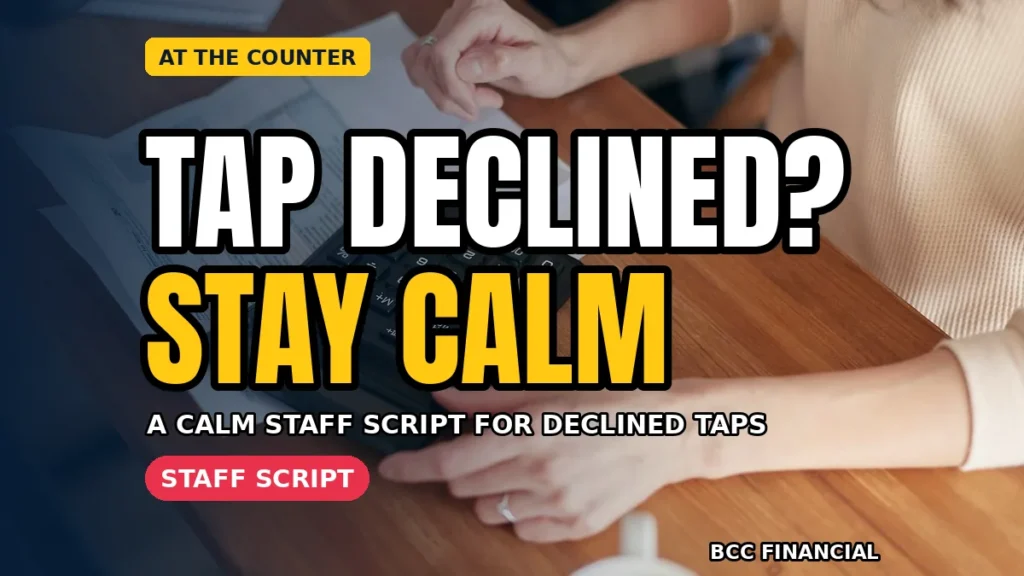
A Calm Script for a Tap That Needs More, or Is Declined
When a tap asks for a PIN, use a short, friendly script:
- “Your card is just asking for your PIN this time — that’s a normal security check. Please pop it in when you’re ready.”
- If the terminal asks for a signature: “It has asked for a quick signature this time. I will print the slip for you.”
- If a payment is declined: “It looks like the card hasn’t gone through. Would you like to try a different card or another way to pay? Your bank can explain the reason, as they don’t share that with us.”
The script normalises the moment, gives one clear next step, and never guesses at a reason. Staff should never say a customer has no money, or repeat a decline loudly. That is why contactless payment limits business training should include the words, not just the technology, and why contactless payment limits business briefings should be repeated for new starters.
Set Up the Counter So Taps Go Smoothly
Good setup prevents most confusion. Keep the contactless symbol visible, face the terminal screen toward the customer, and keep the reader within easy reach. Check contactless still works after any software update.
Owners should also know what each tap costs: our guide to card payment fees explained breaks down the charges. And if a terminal stops accepting taps, staff should know who to call and what backup options to offer. That preparation is part of managing contactless payment limits business teams face daily.
Train New Staff With a Five-Minute Tap Drill
Add a short drill to training. Show where to tap, what approval, PIN request, and decline screens look like, and run through the script out loud. Staff are never expected to explain a customer’s personal banking.
Finish with two rules: follow the terminal’s prompt, and keep it calm and discreet. That confidence is the real goal of understanding contactless payment limits business staff deal with every day.
Frequently Asked Questions
Is there one contactless limit that applies to every card?
No. Limits vary by card issuer, provider, card type, and country, and they can change over time.
Why did a customer’s tap ask for a PIN on a small purchase?
Issuers sometimes ask for a PIN as a routine security check, for example after several tap-only purchases in a row or when a pattern changes. It does not mean anything is wrong with the card or the customer. Following the terminal prompt completes the payment as normal.
What should staff say when a tap is declined?
Stay calm, quiet, and factual: say the payment has not gone through, offer another card or payment method, and explain that the bank can give the reason because it is not shared with the shop. Never guess at the cause and never comment on the customer’s finances.
Do contactless payment limits business owners set themselves exist?
Your shop does not set the contactless threshold on a customer’s card; that is controlled by the issuer and applicable rules. What owners do control is the setup: terminal placement, staff training, signage, and backup payment options.
Conclusion: Prompts Are Normal, Calm Is the Skill
A tap that asks for a PIN is the security system doing its job. Train staff to follow the prompt, use the calm script, and never quote a universal limit. For more counter-ready payment guides, explore the resources from BCC Financial and run the five-minute tap drill with your team this week.
This article is general educational information only and is not personal financial advice. Contactless limits and checks vary by card, provider, and country; check with your payment provider or card issuer for specifics.