Depositing a Cheque by Phone Photo: Remote Deposit, Holds and How Long to Keep the Paper
A remote deposit cheque phone photo holds records routine lets you bank a cheque without a trip to the branch. You photograph both sides with your bank’s app, the bank checks the image, and the money goes in — but the paper cheque still matters until the hold clears, and the routine is only finished when the paper is filed and later destroyed properly.
Remote deposit is quick, which is why it needs a written routine. A blurred photo, a cheque photographed twice, or paper thrown away too soon can turn a simple deposit into a long argument with the bank. This guide covers the photo, the hold, and the paper trail.
How a Remote Deposit Cheque Phone Photo Holds Records Routine Works
Your bank’s app guides you through the deposit: photograph the front of the cheque, photograph the back after you have signed it, check the amount the app reads, and confirm. The bank then reviews the images and tells you whether the deposit was accepted or needs another try.
Acceptance is not the same as cleared funds. The bank may hold some or all of the money while it checks the cheque, so do not spend it until the hold has lifted and the balance shows it as available.
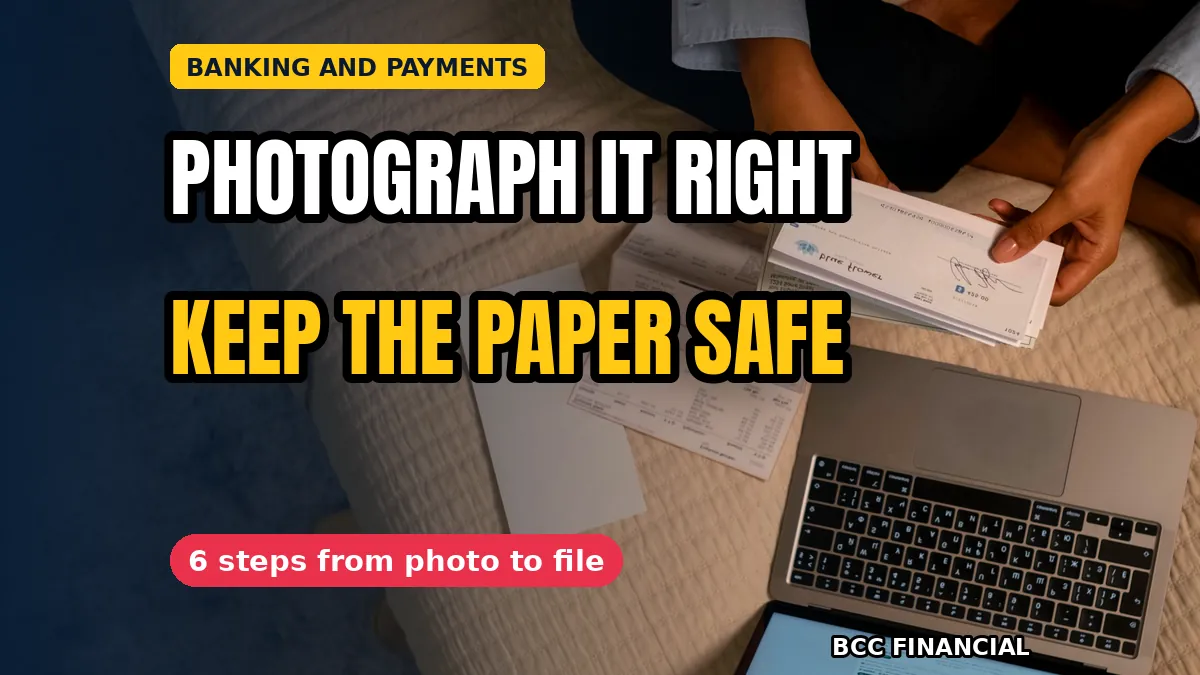
Photograph Both Sides So the Bank Can Read Them
Place the cheque on a flat, dark surface in good light, with all four corners in the frame. A shadow across the payee line or a cropped corner is the most common reason an app rejects a photo.
Sign the back of the cheque before you photograph it, and add the words your bank asks for, which are usually a note that it was deposited by phone. If the app reads the amount wrong, correct it before you confirm, because a wrong figure is harder to fix after the deposit is sent. Our notes on accepting checks safely cover the checks to make before you take a cheque at all.
Mark the Paper Cheque the Moment It Is Deposited
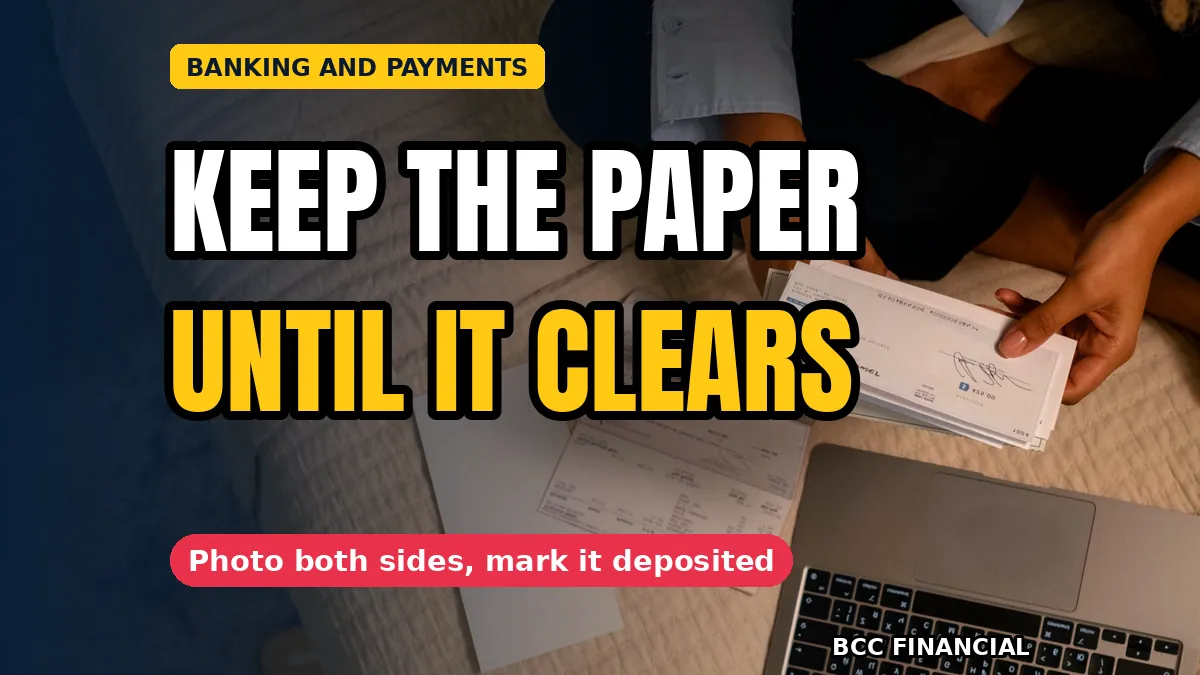
As soon as the app accepts the deposit, write the date and the word deposited across the front of the paper cheque. A cheque that is not marked can be deposited again by mistake, and a second deposit of the same cheque is a problem you do not want to explain.
Never hand a deposited cheque to anyone as if it were still good, and never file it with cheques that are still waiting to be banked. A remote deposit cheque phone photo holds records routine depends on the paper being marked at once, while the deposit is still fresh in your mind.
Understand the Hold Before You Spend the Money
A hold is the bank’s way of checking the cheque before it lets you use the money. The hold period depends on your bank, the amount, and whether the cheque is from a bank the app trusts, so check what your own bank says rather than guessing from someone else’s experience.
Watch the account, not the app’s confirmation screen. The deposit is only finished when the hold has lifted and the funds show as available, so plan the week’s payments around the hold, not around the photo.
Keep the Paper Until the Hold Clears, Then Destroy It
Store the marked cheque in a labelled envelope or folder, away from the till and from cheques still to be deposited. It is your proof if the bank queries the deposit, and it should be easy to find by date and payer.
Keep it until the hold has cleared and the deposit shows on a statement, then destroy it under your records rule. A remote deposit cheque phone photo holds records habit means the paper is shredded or otherwise destroyed so it cannot be used again, and the date of destruction is noted with the deposit record. The IRS guidance on recordkeeping explains how long business records should be kept.
Know Which Cheques Still Need a Branch Visit
Not every cheque can be deposited by phone. Some banks set a maximum amount for remote deposits, and a damaged cheque, a very old one, or one in a foreign currency may need to be taken in person.
If the app rejects the same cheque twice, stop and take it to the branch. Repeated attempts can lock the deposit, and a branch visit with the paper cheque in hand is usually the fastest way to finish the job.
Record Every Remote Deposit the Same Way
Write each deposit into your takings record on the day it is made, with the payer, the amount, the date, and the app’s reference. A deposit that is only in the app is one you cannot find when the books are checked.
Match the record to the bank statement when it arrives, and note the date the hold lifted. Our guide to cash collection records covers keeping those records straight. A remote deposit cheque phone photo holds records routine is only complete when the statement, the takings record, and the destroyed paper all agree.
Frequently Asked Questions
How long does a remote deposit hold last?
It depends on your bank and the cheque, and holds are often counted in working days. Check your own bank’s terms and watch the account until the funds show as available.
Can I throw the cheque away once the app accepts it?
No. Keep the marked paper until the hold has cleared and the deposit appears on a statement, then destroy it under your records rule. A remote deposit cheque phone photo holds records routine treats the paper as proof until that point.
What if the app reads the wrong amount?
Correct the amount before you confirm the deposit. If you only notice afterwards, contact the bank with the deposit reference and keep the paper cheque safe until the correction is agreed.
What happens if I photograph the same cheque twice?
The bank should catch the duplicate, but tell the bank straight away rather than waiting for it to find out. A remote deposit cheque phone photo holds records habit starts with marking the paper as deposited the first time, so a second attempt never happens.
Remote deposit saves a trip to the branch, but only when the photo is clear, the hold is respected, and the paper is kept until the deposit is finished. Photograph both sides, mark the cheque at once, and destroy it only when the records agree.
If banking routines and record keeping are taking time away from running your business, BCC Financial can help you set up a steadier routine. Get in touch to talk through your payments.
This article is general information for business owners and is not financial, legal, or tax advice. Bank rules, deposit limits and hold periods vary and can change, so check what applies to you or speak with a qualified professional.