Getting Paid by QR on a Paper Invoice: When Customers Scan to Pay a Bill Later
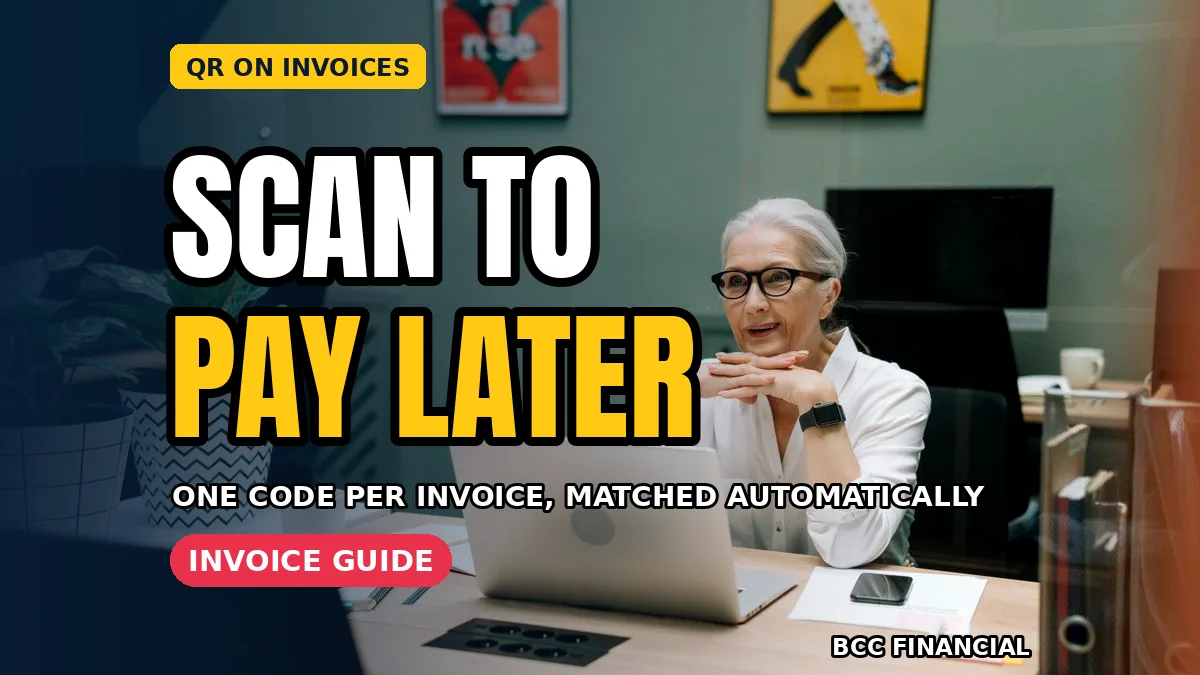
Adding a qr code on invoice payment small business customers can scan later sounds simple, and it is. The customer takes the paper bill home, scans the code with a phone and pays from their own banking app or payment page. No card machine, no chasing phone call and no bank details printed on paper.
This method suits tradespeople, cleaners, tutors and small suppliers whose customers are not standing at a till when the bill arrives. It also helps when a bill is posted or left with a note. This guide explains when it works well, how to set it up safely and how to check payment.
How qr code on invoice payment small business billing works in practice
The code on the invoice links to one specific payment page for that bill. Done well, qr code on invoice payment small business billing shows the exact amount and invoice number, so the customer does not type figures or guess a reference. That accuracy is the main reason the method reduces payment mistakes.
Print the code large enough to scan easily, place it near the total and add one short line telling the customer what to do. Test every new invoice template yourself with two different phones before sending it to anyone, including in bright light and on a slightly crumpled copy.
Setting up the code safely
Use a trusted payment page, not bank details
Create the code through your payment provider or accounting software so it opens a secure payment page. Never print your full bank account details beside the code as an invitation for errors or misuse. The page should show your business name clearly so customers trust what they see.
Give each invoice its own code linked to its amount and reference. Reusing one general code for every bill makes matching payments slow and confusing. Our guide to payment links by text and email explains the same one-link-per-bill principle in more detail.
Check the amount before you print
A code copies whatever amount you entered, including mistakes. Check the total, tax and reference on screen, then scan the printed proof once before the batch goes out. That minute of checking is basic qr code on invoice payment small business care, and it prevents an awkward call about a corrected bill.
When scan-to-pay later helps most
It helps when the decision maker is not present, when a bill goes to a home address or when a customer prefers to pay during evening banking. It helps less for instant counter sales, where a card reader is faster. Choose qr code on invoice payment small business billing where it matches how each customer actually pays.
Keep a second option on the invoice, such as a short payment link typed in words or a phone number for questions. Some customers have older phones or poor signal at home. A friendly alternative keeps qr code on invoice payment small business billing inclusive instead of frustrating.
Matching scanned payments to invoices
References do the quiet work
Check your bank or provider feed each morning and tick off paid invoices by reference. Because each code carries its invoice number, matching should take minutes. If a payment arrives without a clear reference, contact the customer politely the same day while the bill is still fresh in mind.
Clear wording helps too. Our article on invoice payment terms that get you paid faster shows how a due date, a polite note and simple terms beside the code encourage prompt payment without sounding pushy or unfriendly.
Staying safe against swapped codes
Print codes yourself or through a trusted printer, and never accept a code file from an unknown sender. If invoices are displayed publicly, check displayed copies have not been covered by a stranger’s sticker code. For invoices sent directly to a known customer, this risk is low but awareness costs nothing.
Tell customers your payment page will show your business name and the exact bill amount before they confirm. That one sentence helps them spot anything wrong. Guidance on avoiding payment scams is also available from Consumer Financial Protection Bureau fraud resources for anyone who wants extra background reading.
Making the invoice easy to act on
Layout, wording and timing
Put the code, total and due date together in one clear block so the customer sees all three at a glance. Send the invoice promptly while the work is fresh, and keep the covering note short and kind. Most late payment is forgetfulness, not refusal, so easy design genuinely helps.
Review results after a month. Note how many customers scanned, how many used the alternative method and how quickly bills were paid. Small changes, such as a bigger code or clearer text, often lift qr code on invoice payment small business results without any extra cost.
Frequently Asked Questions
Q: Does the customer need a special app to scan?
Most modern phones scan a code with the normal camera and open the payment page in a browser. The customer then pays using the options your provider offers on that page.
Q: Can I use one code for every invoice?
It is much better to give each bill its own code with its amount and reference. That is what makes qr code on invoice payment small business matching quick and reliable.
Q: What if a customer cannot scan the code?
Offer the typed payment link or another safe method shown on the invoice. Always keep an alternative so no customer is stuck because of an older phone or weak signal.
Q: Is it safe to print bank details as well?
Let the secure payment page handle the money side. Avoid printing full bank details on paper bills that may be lost, copied or seen by people beyond the customer.
Conclusion
A clear code, the right amount and an invoice reference turn a paper bill into an easy evening payment. Set up one template, test it twice and watch how many customers pay without a reminder.
For more plain-English help with invoices, payments and everyday business money, BCC Financial publishes practical guides for small firms. Browse our related articles and choose the payment mix that suits your customers best.
Disclaimer: This article is general educational information only and is not personal financial advice. Follow your payment provider’s security guidance and seek professional advice for your specific situation.