QR Code Payments at the Counter: Setup, Signs and End-of-Day Reconciliation
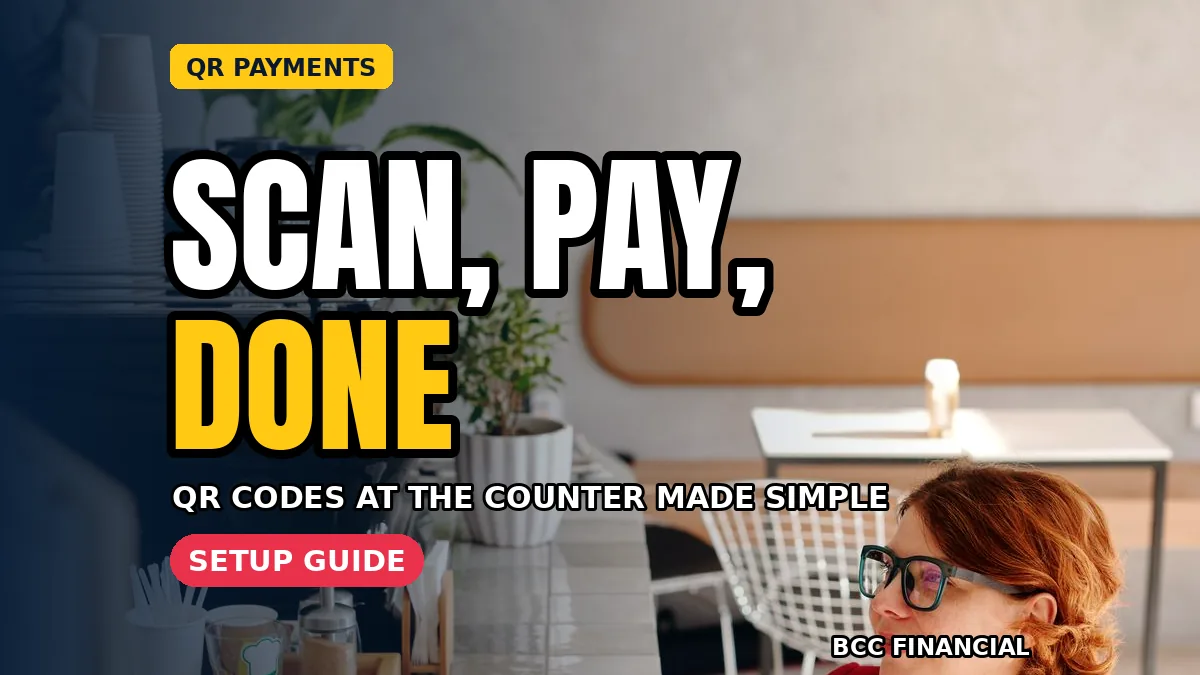
QR code payments for small business give customers a fast way to pay with their phone, and give you a simple option at busy counters. A customer scans a code, confirms the amount in their own payment app, and you check the payment arrived before handing over the goods or completing the service.
Good setup matters more than the code itself. You need the right type of code, signs people understand in seconds, staff who confirm payments safely, and a short end-of-day routine that matches QR takings to your records.
Setting Up QR code payments for small business Counters Step by Step
Start by choosing a payment provider and following its official setup for business payments, linking the account where you want takings to settle. Test the code yourself with a small payment before customers use it, and check how the payment appears in your provider’s app or dashboard on your own screen.
Decide who on your team may view payment confirmations and change account details. Keep those permissions limited and reviewed. Our guide to contactless payment limits customers ask about is useful background, because many customers move between tapping and scanning and ask staff to explain the difference at the counter.
Choose Static or Dynamic Codes for Your Counter
A static code stays the same and the customer enters the amount. A dynamic code is created for a sale and can carry the exact amount, which reduces typing errors. Busy shops often prefer dynamic codes at the till, while a static sign can suit tips, invoices, or simple fixed-price items.
Whichever you choose for QR code payments for small business, test it under real counter conditions: bright light, a cracked phone screen, and a queue forming. If scanning is slow, adjust size, contrast, or position before blaming customers.
Create Clear Signs Customers Understand Fast
Your sign should say, in large plain words, that customers can pay by scanning, which apps or wallets you accept, and where to show confirmation. Place the code at eye level near the till, keep it clean and undamaged, and replace faded printouts promptly so scanning stays fast for everyone in the queue.
Add a short line telling customers to check the business name on their phone before confirming. That one habit protects them and you. When you design signs for QR code payments for small business, avoid clutter and tiny instructions. People read counter signs in seconds.
Train Staff to Confirm Every Payment Safely
Teach staff to confirm payment in your own app, till, or notification, not only by looking at a customer’s phone screen. A screenshot can be old or misleading. Agree a simple script: thank the customer, check the amount and status on your system, then complete the sale with a receipt as usual.
Also agree what staff should never do: never ask for a customer’s phone PIN, never enter card details for them, and never accept a payment to a personal account. The Consumer Financial Protection Bureau offers general consumer payment guidance at consumerfinance.gov, which is helpful background for handling customer payment questions carefully.
Reconcile QR Takings at the End of the Day
At closing, total the day’s QR payments from your provider’s report and compare that figure with your till or sales records. Investigate differences the same evening, while staff still remember refunds, failed scans, or a payment taken just before closing. Small gaps are easiest to explain on the day they happen. This habit keeps QR code payments for small business records trustworthy.
Record the QR total as its own payment type, separate from cash and cards. Our explainer on how card payment fees are explained helps you compare costs across payment types, because each method may have different charges and settlement timing that affect your daily cash picture.
Handle Failed Scans and Refunds Without Panic
Sometimes a scan fails, a phone loses signal, or a customer pays twice by mistake. Keep a calm routine: check your own system first, offer another payment method if nothing arrived, and follow your provider’s process for refunds where a duplicate is confirmed. Write down what happened and who handled it.
Review these incidents weekly. Repeated failures may mean a damaged sign, poor light, or staff needing a refresher. Handled well, QR code payments for small business stay convenient even when technology stumbles.
Frequently Asked Questions
Do customers need a special app to pay by QR code?
Customers normally use a payment app or wallet that supports the code your provider issues. Your sign should name what you accept, so customers know before they queue. Staff handling QR code payments for small business should be ready to offer cash or card as alternatives.
How do I know a QR payment really arrived?
Check your own provider app, till, or notification for the amount and a completed status before finishing the sale. Do not rely only on a customer’s screen. This simple check, done every time, prevents most misunderstandings and keeps your end-of-day totals accurate.
Are static or dynamic codes better?
Dynamic codes can carry the exact amount and reduce typing errors, which suits busy tills. Static codes are simple and work for fixed prices or invoices. The better choice is the one your staff can confirm reliably and your customers can scan easily.
What should I do if a customer pays twice?
Stay calm, confirm both payments in your own system, and follow your provider’s refund process for the duplicate. Give the customer a clear timescale for the refund, note the incident in your records, and check the case is closed the next day.
Conclusion
QR payments work best when the routine around them is boringly reliable: clear signs, staff checks, and a daily reconciliation habit. Set up QR code payments for small business with those habits from day one, and customers get speed without confusion. If you would like help reviewing your business payment methods and records, BCC Financial would be glad to talk it through with you.
This article is general educational information only, not personal financial or legal advice. For decisions about your own business, please speak with a qualified professional who knows your situation.



One Comment